
-7.png?w=1536&h=1536&q=70)
-1.jpg?w=500&h=500&q=70)


-2.jpg?w=500&h=500&q=70)
-10.jpg?w=500&h=500&q=70)
-2.jpg?w=500&h=500&q=70)
-5.png?w=1536&h=1536&q=70)
-9.png?w=1536&h=1536&q=70)
-9.png?w=1536&h=1536&q=70)

Finger‑Clip Pulse Oximeter | Portable Blood Oxygen & Heart Rate Monitor for Home & Outdoor
Personal Health Readings, Made Easier to View
Keep routine spot-checking simple with a compact fingertip pulse oximeter designed to display oxygen saturation and pulse rate information in one convenient place.
Its finger-clip form, color display and straightforward controls make it easy to keep nearby when you want to check the readings described in the product instructions.
-5.png?w=1536&h=1536)
Designed for Straightforward Spot-Checking
A pulse oximeter uses a fingertip sensor to estimate blood oxygen saturation (SpO₂) and pulse rate. This compact format brings the key displayed readings together, helping users view the results without navigating a complicated interface.
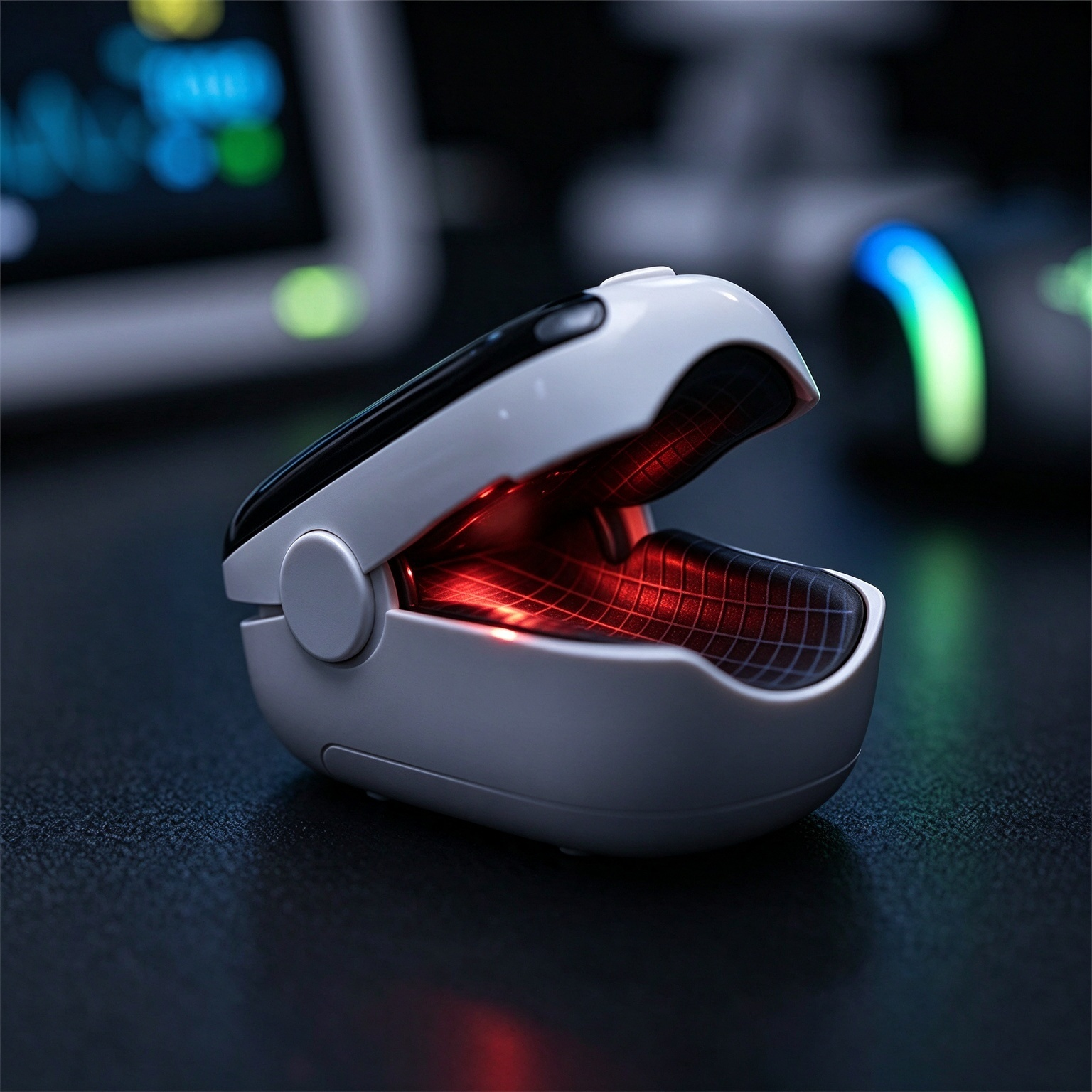
Thoughtful Details for Everyday Use
A compact design and an easy-to-read screen help keep the measuring process clear and uncomplicated.
-10.png?w=1536&h=1536)
Key Readings in One View
The color screen is designed to present measurement information in a clear visual layout. Depending on the model and display mode, the screen may show SpO₂, pulse rate and additional signal information.
Take a moment to learn what each symbol and number means by reading the instruction manual supplied with your unit.
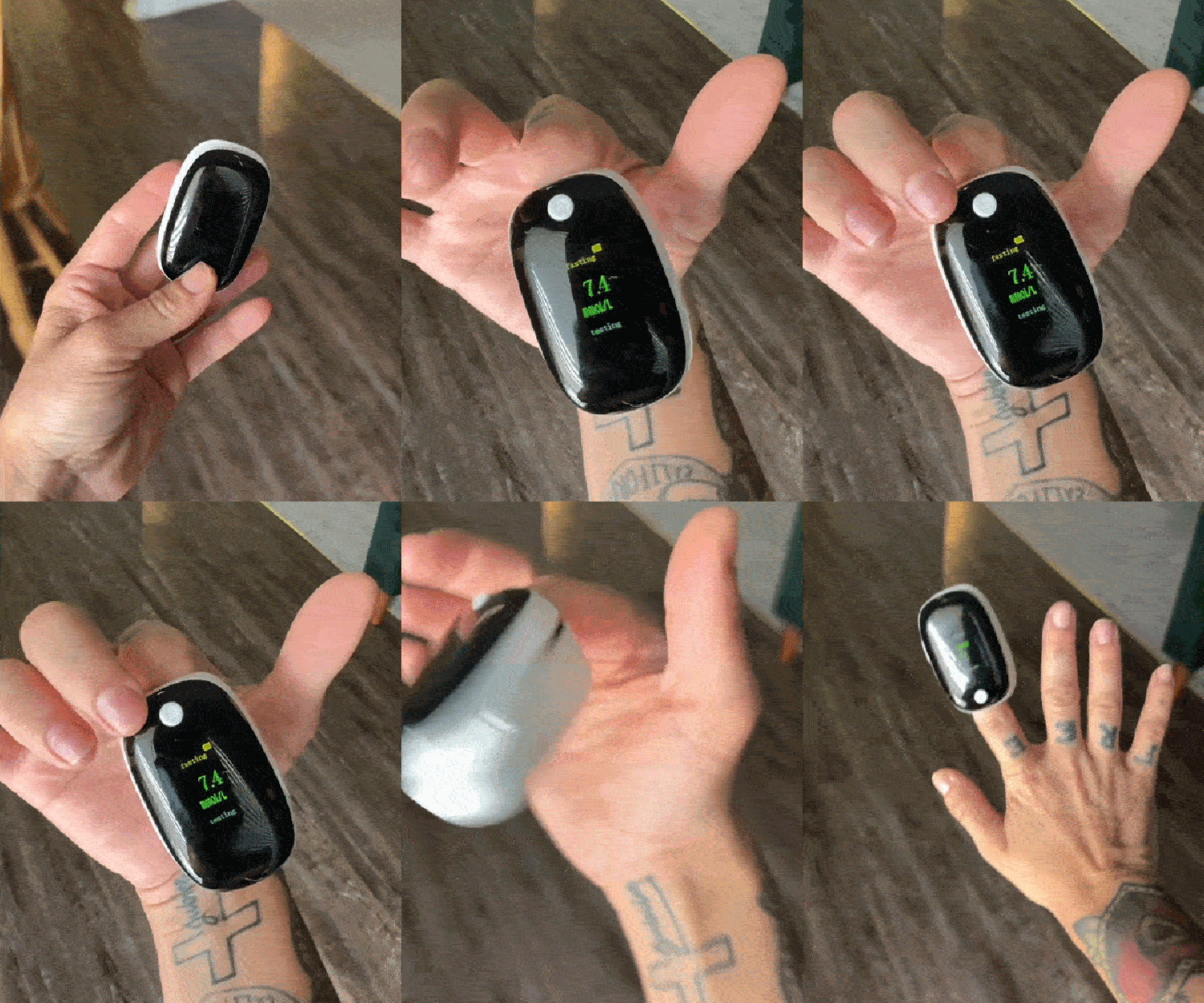
A Compact Clip for Convenient Checks
The familiar clip-style form allows the sensor to be positioned around a fingertip during measurement. Its compact size also makes it convenient to store with other personal care essentials.
Use only on the age group and finger sizes specified in the actual product instructions.
-10.png?w=1536&h=1536)
Keep the Process Straightforward
A simple control layout helps make everyday operation easier to understand. Follow the model-specific instructions for powering on, positioning your finger and viewing the completed reading.
Avoid moving your finger while a measurement is being taken, as movement may interfere with the result.
What the Display May Show
Familiarizing yourself with the displayed values can help you read the screen more comfortably. The available items depend on the specific device model and its display mode.
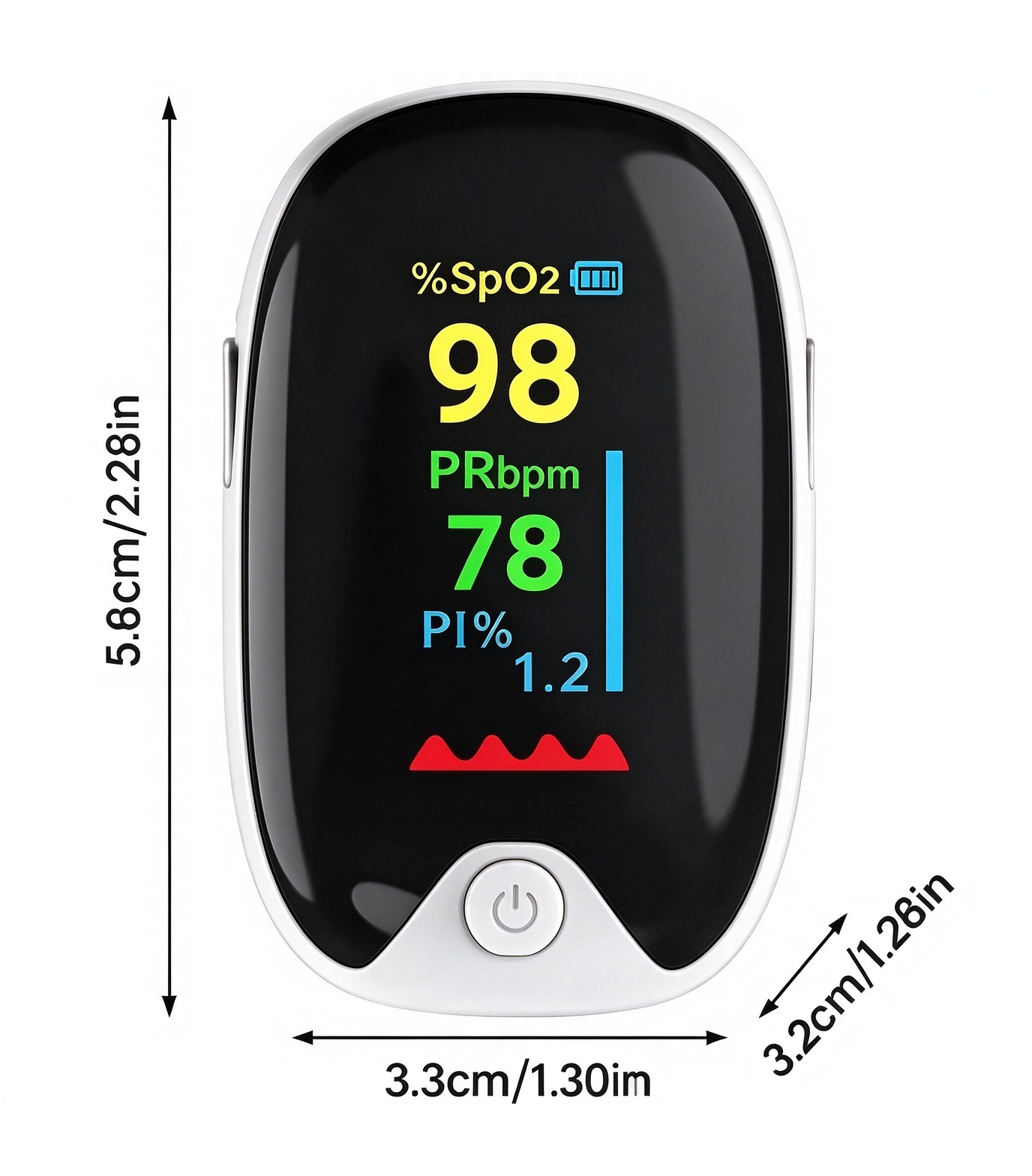
Common Display Terms
- SpO₂: an estimate of blood oxygen saturation.
- PR: pulse rate, usually displayed as beats per minute.
- Pulse indicator: a visual signal that may help show the detected pulse.
- Battery indicator: shown on models that include this feature.
Display labels and additional indicators can vary by model. Consult the instruction manual for the exact meaning of each symbol on your device.
How to Use a Fingertip Pulse Oximeter
Always follow the instructions supplied with your specific model. These general steps illustrate a typical spot-checking process.
Prepare the Device
Check that the device is clean and has the correct batteries installed according to its instructions. Keep your hand warm and your finger dry.
Position Your Finger
Place your finger into the clip as shown in the manual. Keep your hand relaxed and remain still while the device takes its reading.
Read the Results
Wait for the display to settle according to the instructions. Record or interpret the values in the context of your healthcare professional's advice.
Specifications at a Glance
Review the key details below before choosing your device. Confirm all specifications against the exact product variant and its packaging.
| Product Type | Fingertip clip pulse oximeter |
|---|---|
| Product Color | White, according to the listed product description |
| Display | Color digital display, as shown in the product listing |
| Displayed Measurements | SpO₂ and pulse rate; additional items may depend on model |
| Power Supply | 2 AAA batteries |
| Batteries Included | No — the listing states that batteries are not included |
| Included Accessories | Check the selected product variant and package contents |
Use Measurements With Care
Not a Diagnosis
A pulse oximeter provides an estimate and cannot diagnose a medical condition on its own.
Follow the Manual
Use the device only as instructed and only for the age group and purpose approved for that model.
Consider the Whole Picture
A single reading should not replace symptoms, professional assessment or medical advice.
Seek Help When Needed
If you feel unwell or have concerning symptoms, seek medical attention rather than relying on a device reading alone.
Frequently Asked Questions
What does a fingertip pulse oximeter measure?
It estimates blood oxygen saturation (SpO₂) and measures pulse rate. The exact information shown depends on the model and its display settings.
How is the device powered?
The product listing specifies two AAA batteries and states that batteries are not included. Check the battery compartment and instruction manual before installation.
Why might a reading change?
Movement, cold fingers, nail polish, circulation and other factors can influence a reading. Follow the instructions for proper finger placement and repeat a measurement when appropriate.
Can the device replace a medical examination?
No. It is a measurement aid, not a substitute for medical diagnosis or treatment. Contact a healthcare professional if you have concerns about your readings or your health.
Can it be used for children?
Only if the specific model's instructions identify the child's age group and finger size as suitable. Do not assume that every fingertip pulse oximeter is appropriate for infants or young children.
Simple Design for Everyday Monitoring
Keep the device instructions close, take measurements as directed, and consult a healthcare professional whenever symptoms or concerns require medical attention.
-7_1445x.png?w=1536&h=1536&q=70)
-1_1445x.jpg?w=500&h=500&q=70)


-2_1445x.jpg?w=500&h=500&q=70)
-10_1445x.jpg?w=500&h=500&q=70)
-2_1445x.jpg?w=500&h=500&q=70)
-5_1445x.png?w=1536&h=1536&q=70)
-9_1445x.png?w=1536&h=1536&q=70)
-9_1445x.png?w=1536&h=1536&q=70)

-7_1800x.png?w=1536&h=1536&q=70)
-1_1800x.jpg?w=500&h=500&q=70)


-2_1800x.jpg?w=500&h=500&q=70)
-10_1800x.jpg?w=500&h=500&q=70)
-2_1800x.jpg?w=500&h=500&q=70)
-5_1800x.png?w=1536&h=1536&q=70)
-9_1800x.png?w=1536&h=1536&q=70)
-9_1800x.png?w=1536&h=1536&q=70)
